
Upload your score
Drop in a PDF, PNG or JPG of printed sheet music, or open the sample to see how the player works. PDFs can be up to 50 pages and 20 MB, so a full method-book chapter or a complete piano piece fits in one upload.
Upload a PDF, photo, or MusicXML score and hear it play online. Follow along, adjust tempo, solo parts, edit notes, and export to PDF, MP3, WAV, MIDI, or MusicXML.
Drop a PDF or photos here
PDF, PNG, JPG or MusicXML · PDF up to 50 pages · 20 MBSample: The Entertainer (MusicXML) · Read, play and try the editor
First-page preview free (80% in whole measures, one trial per person and network) · Full score 1 credit / page · Sharing is free · See pricing
Drop in a PDF, PNG or JPG of printed sheet music, or open the sample to see how the player works. PDFs can be up to 50 pages and 20 MB, so a full method-book chapter or a complete piano piece fits in one upload.
Create a free account and we recognize 80% of your first page for free, rounded to whole measures. Check the notes and playback before spending any credits.
Press Play and the cursor follows the music. Slow down a tricky bar, or on piano scores hear the left or right hand on its own until both feel secure.
Upload, recognize, play, edit, share and export your sheet music online.
Upload up to 50 JPG or PNG images and combine them into one score. Add, reorder or remove pages before recognition. PDF uploads support up to 50 pages, with a total upload limit of 20 MB.
Advanced AI-powered recognition reads pitch, rhythm and musical context together to accurately reconstruct your printed sheet music. Convert scans and photos into playable, editable scores without entering every note by hand.
Play your score directly in the browser. Follow the playback cursor, adjust the tempo, use the metronome and practice each piano hand separately.
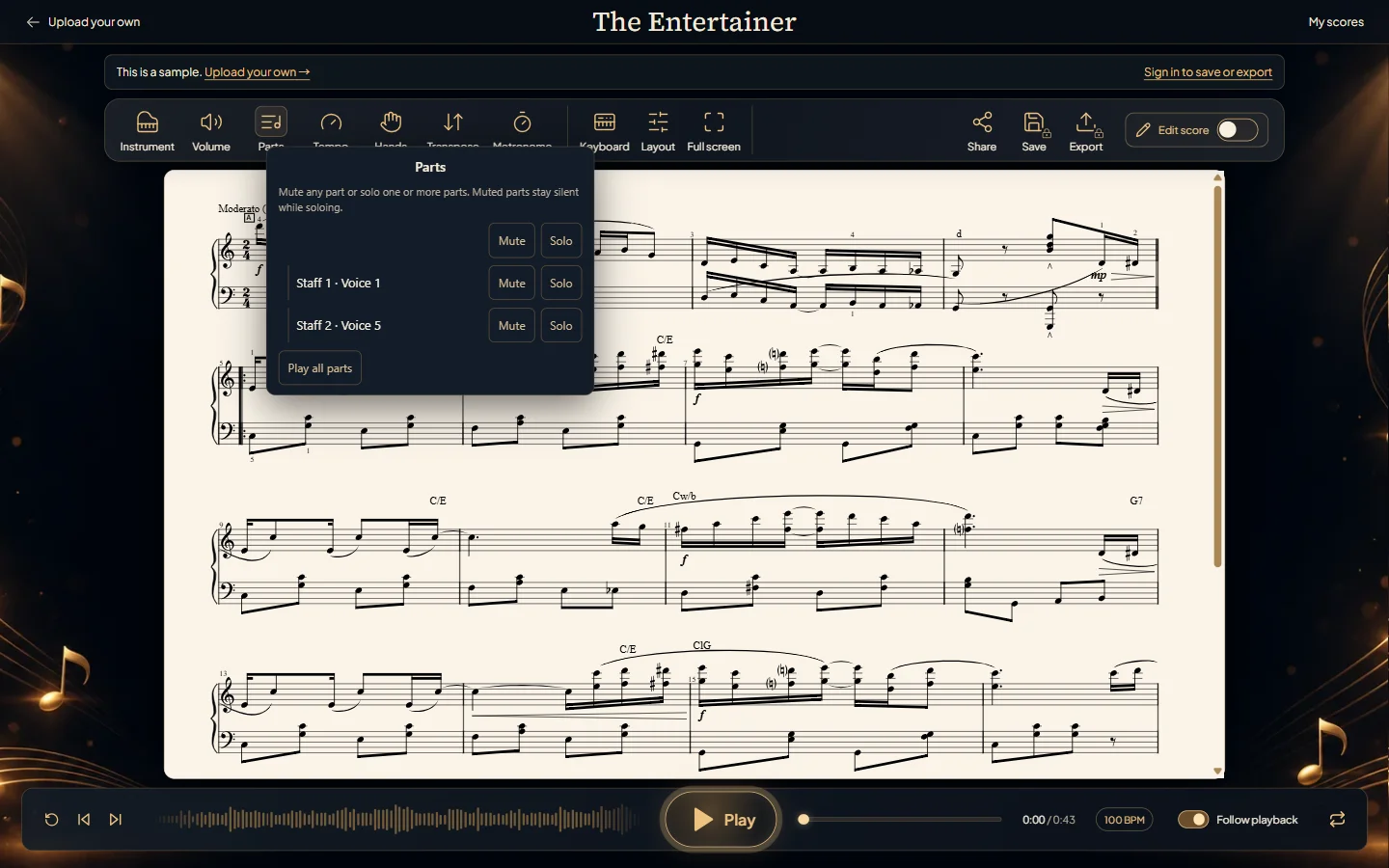
Edit note pitches and durations, add or remove rests and measures, and change lyrics, dynamics, tempo, key and time signatures. Correct recognition results or adapt the score for your needs, with undo, redo and saving.
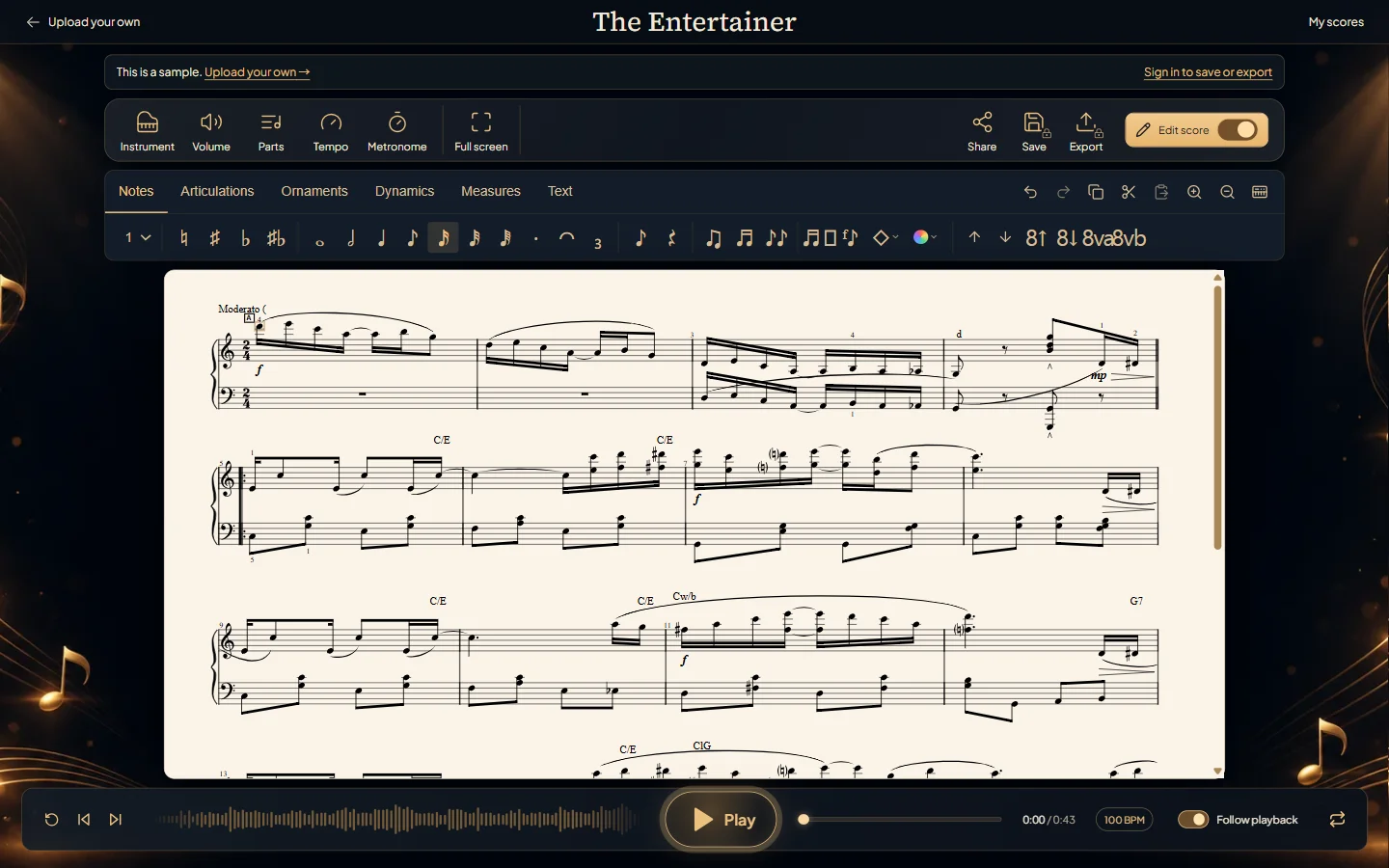
Create a link and share your score with students, teachers or bandmates. They can view and play it without signing in. Saved changes appear at the same link, and you can turn sharing off at any time.
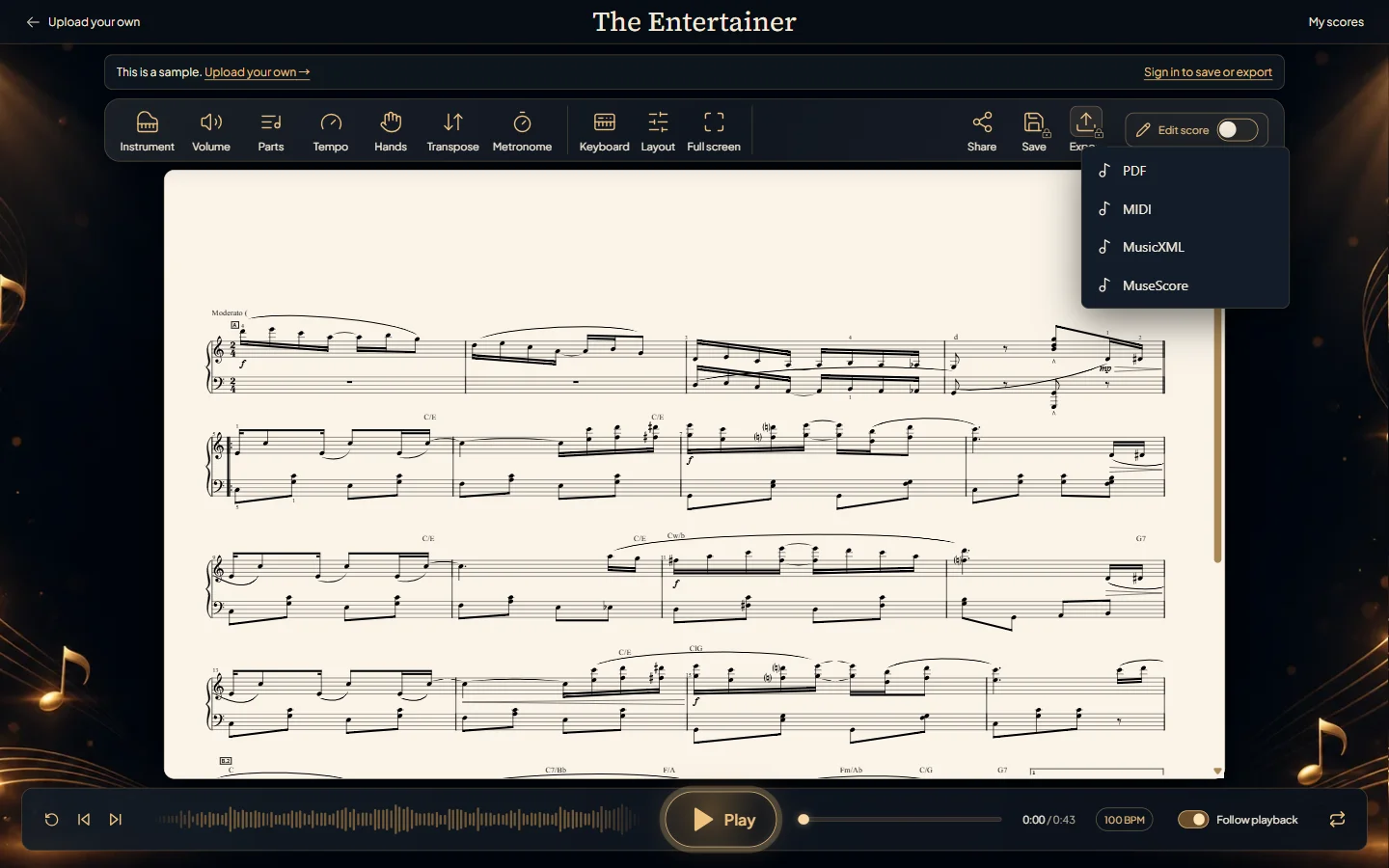
Download PDF to print your score, MP3 or WAV to listen offline, MIDI to use in a DAW, or MusicXML to keep editing in MuseScore and other notation software. Exports include your latest edits and work in compatible offline software.
Hear how a new piece should sound before you play it, then practise each hand separately at a slower tempo. Listening first saves you from learning wrong notes or rhythms that are hard to unlearn later.
Play a passage for a student during a lesson, or check an unfamiliar part the night before. Save a score and send its share link. Students open it and press Play without creating an account, and any corrections you save later show up on the same link.
Recognize the score, solo your own part (or mute everyone else), and listen before rehearsal. Learning pitches and entrances at home means rehearsal time goes on musicality instead of note-bashing.
Turn printed music into MusicXML or MIDI instead of typing every note again. Bring an old arrangement into your notation software, or sketch over it in a DAW.
Keep the page flat and well lit, with every staff and barline visible. Avoid blur, shadows and glare. Using a phone? Hold it directly above the page, include every staff from the first clef to the last barline, and skip the flash. A good test: zoom in on the image. If you can't clearly read a sharp or a dot, the recognizer will struggle too.
Handwritten music, numbered notation and guitar tablature are not supported. Printed piano, vocal, choral and instrumental parts in standard five-line notation give the best results.
Compare pitches, accidentals and rhythms with the original. Correct mistakes in the editor before exporting. Slow playback can help you hear a wrong note that is hard to spot by eye.
Try the sample without an account, or sign in for a free preview of 80% of your first page (rounded to whole measures; one trial per person and internet connection). Unlock full scores at 1 credit per page with non-expiring credit packs or a monthly plan.
See pricingFiles, access, and what happens next.
Sign in for a free preview of 80% of the first page, rounded to whole measures. One trial per person, shared by people on the same internet connection. Unlock the full score at 1 credit per page for complete playback, editing and export. Sharing is always free.
No. The sheet music player runs in a modern web browser on desktop, laptop, tablet or phone. Recognition needs an internet connection and a free account.
Yes. After unlocking the full score, edit notes and supported markings, change the tempo, transpose, save your changes and export without paying again for the same result.
Yes. Shift it up or down by semitones, up to one octave either way. Both the notation and the playback move to the new key, and you can save or export the result.
Yes. Lower the BPM to practice at your own pace. For piano scores with a grand staff, choose left-hand, right-hand or both-hands playback.
Yes. Create a share link for any saved score. Anyone with the link can view and play it without signing in, later saved edits appear on the same link, and you can turn sharing off at any time.
Yes. Sign in, then choose Export → MP3 audio or WAV audio. Downloads include the full edited score at the current tempo with your chosen sounds, up to 10 minutes. Recognized scores must be unlocked for export.
Recognition works best with clear printed scores. Dense or blurry pages may need corrections in the editor.
Any score in standard printed staff notation, including piano, voice, choir, strings, winds and band parts. Hand-by-hand playback is available for piano music on a grand staff.
Scores are private by default. You can create a link for others to view and play a saved score, and turn sharing off at any time. Recognition files are processed by our recognition provider — see the privacy policy. Read our privacy policy
No. Already unlocked results remain unlocked even with zero credits. Saved scores remain accessible for up to 12 months. Download your files if you want to keep them longer.